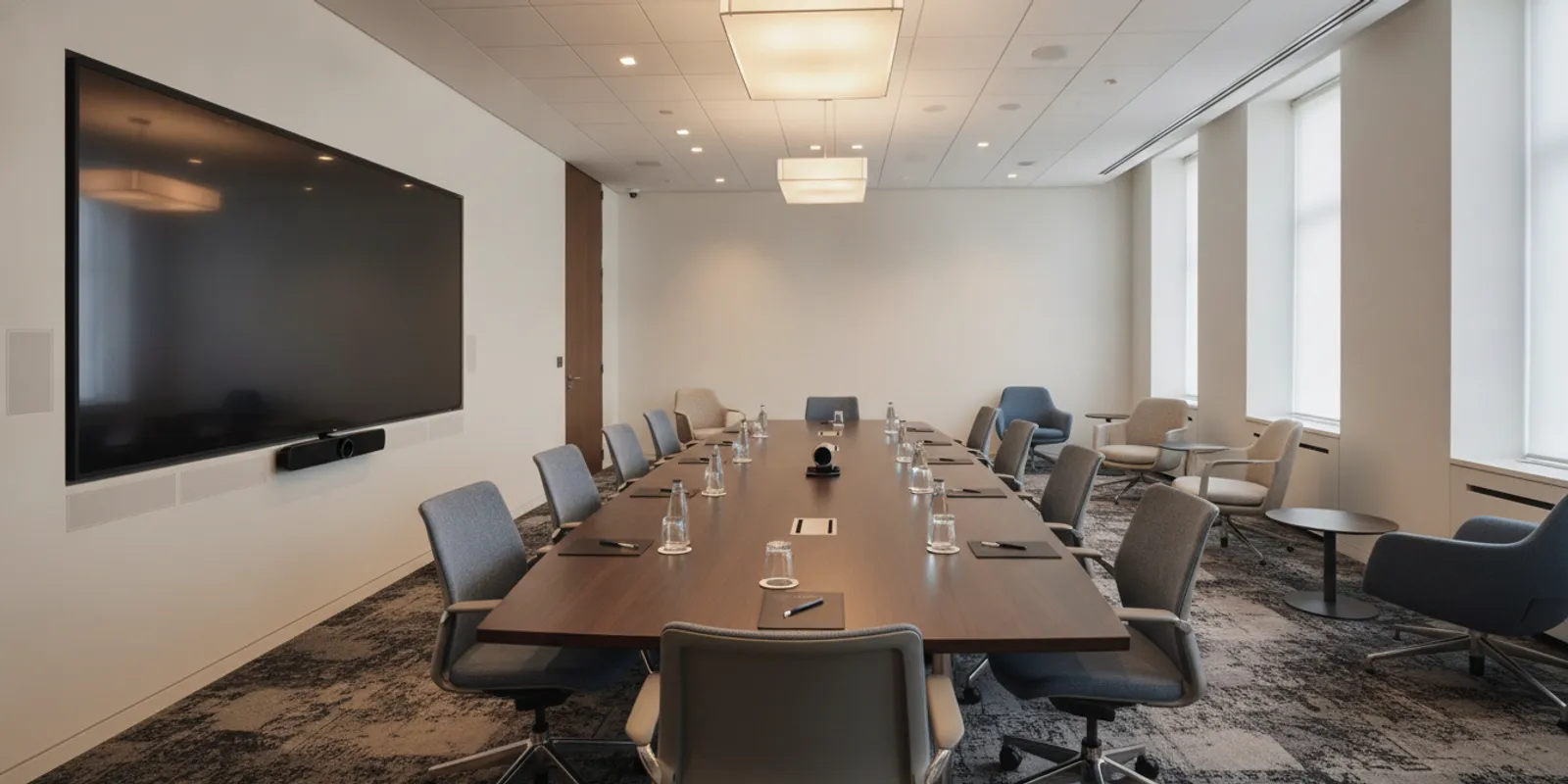
A video conferencing system for large conference rooms needs to do more than connect a laptop to a screen. Participants should be able to hear remote speakers, see people around the room, share content and start meetings without unnecessary setup. Planning these pieces together helps organizations avoid mismatched equipment and surprises during installation.
What makes a video conferencing system for large conference rooms different?
In a small room, one camera and a display may cover most of the meeting. A larger room brings more distance, more seats and more varied speaking positions. A camera may not frame the people at the far end well, while a tabletop microphone may not capture someone speaking from the room perimeter. The room's dimensions, table shape, seating plan and expected meeting format all affect system choices.
Start by describing how the room will be used. Will most meetings involve a few people at the table, a full-room audience, presentations, or a mix? Will participants routinely join remotely? Note how often people share content and whether meetings depend on a particular conferencing platform. These are planning inputs, not a reason to assume one standard equipment package fits every space.
How should you plan a video conferencing system for large conference rooms?
Map the seating and likely speaking positions before choosing camera placement. The camera should show participants naturally and avoid making remote attendees look at an empty wall or the backs of most people. In a long room, a single camera may not provide useful views of every seat. Multiple camera views or a different room layout may be worth considering, depending on use and budget.
Check sightlines between the camera, display and participants. People should not have to turn away from the camera to see remote speakers or shared material. Consider where presenters stand and whether they move around. A camera position that works for a seated discussion may not work equally well for a presentation. Confirm the intended framing in the actual room before finalizing placement.
How do you make audio work across the room?
Audio is central to a meeting that includes remote participants. Assess where people speak, how far they sit from microphones and whether the room has surfaces that may create distracting reflections. A larger space may call for more than one microphone pickup area. Microphone placement and room acoustics should be reviewed together rather than treated as separate decisions.
Also plan how far-end audio will be heard. Speakers need to serve the whole seating area without making people near a loudspeaker uncomfortable. Test for echo, uneven volume and feedback under realistic conditions. If the room has movable partitions, include the different room configurations in the plan; a setup that works in one arrangement may not cover the other.
What display and content-sharing choices matter?
Choose display placement and size based on the farthest seats and what people need to read. Participants may need to see both remote faces and presentation material. Depending on room use, that can mean more than one display or a clearly defined way to switch between views. Check sightlines from each seating area, including seats at the ends of a long table.
Decide how users will share content. A room may need wired connections, wireless sharing, or both, but the choice should reflect the organization's devices and meeting routines. Test common presentation formats and confirm that users can tell which content is being shared. Keep the operating steps easy to follow, especially when meetings are started by people who do not manage the room technology.
What should you check before installation?
Room technology depends on its physical and network foundations. Review available power, cable pathways, display mounting locations and the network connection before equipment is selected. Structured cabling and fiber installation may be part of a broader facility project, while network hardware and access points can be relevant when connectivity needs to be assessed. Confirm the scope with the teams responsible for the site rather than assuming existing infrastructure is adequate.
List the other systems that must work alongside conferencing, such as room scheduling, building controls or security. Include them only where the project actually requires integration. A coordinated design can clarify which components are in scope, who provides them and how the room will be tested. FastString Professional Services describes professional AV and video conferencing as part of its integration work; the specific scope should be confirmed for each engagement.
For broader room-design considerations, AVIXA's conference room design guide discusses acoustics, lighting and technology as connected factors. Use those room conditions as part of the planning conversation, alongside equipment and connectivity requirements.
How can you keep operation simple?
A technically capable room can still frustrate users if starting a meeting takes too many steps. Define a typical meeting workflow: how someone joins a call, selects a room camera and microphone, shares content, adjusts volume and ends the session. Then ensure the control interface reflects that sequence in plain language.
Provide a clear way to start or join a meeting.
Make camera, microphone and speaker status easy to understand.
Keep content sharing steps visible and consistent.
Document what to do when a device is not detected or audio is unavailable.
Train regular users and identify who handles support questions.
Training should use the installed system, not only a generic walkthrough. Ask users to run through a normal meeting and a presentation so confusing steps surface before the room is relied on. Documenting configuration and handoff details can also help the organization manage later changes.
What is a sensible project sequence?
A practical sequence keeps decisions in order and limits rework. First, document room dimensions, seating, use cases and existing infrastructure. Next, agree on the required meeting experience and the systems that must connect. Then develop a scoped design, review equipment locations and pathways, and confirm responsibilities before installation. After installation, configure the system, test common scenarios, train users and record the handoff information.
Testing should cover more than whether a call connects. Check participants at different seats, camera framing, far-end audio, content sharing, display visibility and the room's normal meeting workflow. If the room changes configuration, test each planned arrangement. Record any limitations that remain so users know what the system is designed to do.
FastString describes the work as assess, install, configure and train, then manage. A project manager reviews the site, technology needs and budget considerations, then the client approves a tailored plan. The sequence above is a planning order, not a promise of a particular timeline or outcome.
What information should you bring to a consultation?
Useful preparation includes a floor plan or approximate dimensions, seating capacity, photographs, meeting types, current conferencing platform and any known network or cabling constraints. Note whether the room is used for presentations, hybrid discussions or both. If there are several rooms, identify which are priorities and whether they need the same experience.
These details help a project team assess the site and discuss a solution that fits actual needs and financial considerations. They do not replace a site review or guarantee a particular design, delivery date or outcome. A Houston-area organization planning AV and video conferencing can send a message to FastString Professional Services to discuss the project scope and next steps.
Frequently asked questions
Does a large conference room always need more than one camera?
Not always. It depends on the room's length, seating and how people speak. Map the seats and likely speaking positions first. A single camera may cover a compact discussion, while a longer room may need another view so remote participants can see people at the far end. Confirm the framing in the actual room before deciding.
What should be tested after the system is installed?
Test more than whether a call connects. Check people at different seats, camera framing, far-end audio, content sharing, display visibility and the room's normal meeting workflow. If the room can be rearranged, test each planned arrangement and record any limits that remain.
What should we bring to a conference-room consultation?
Bring a floor plan or approximate dimensions, seating capacity, photographs, the meeting types the room supports, the conferencing platform in use, and any known network or cabling constraints. Those details start the conversation. They do not replace a site review or lock in a design.
By planning room layout, sound, camera coverage, connectivity and user workflow together, organizations can make a large conference room easier to use for both in-person and remote participants.