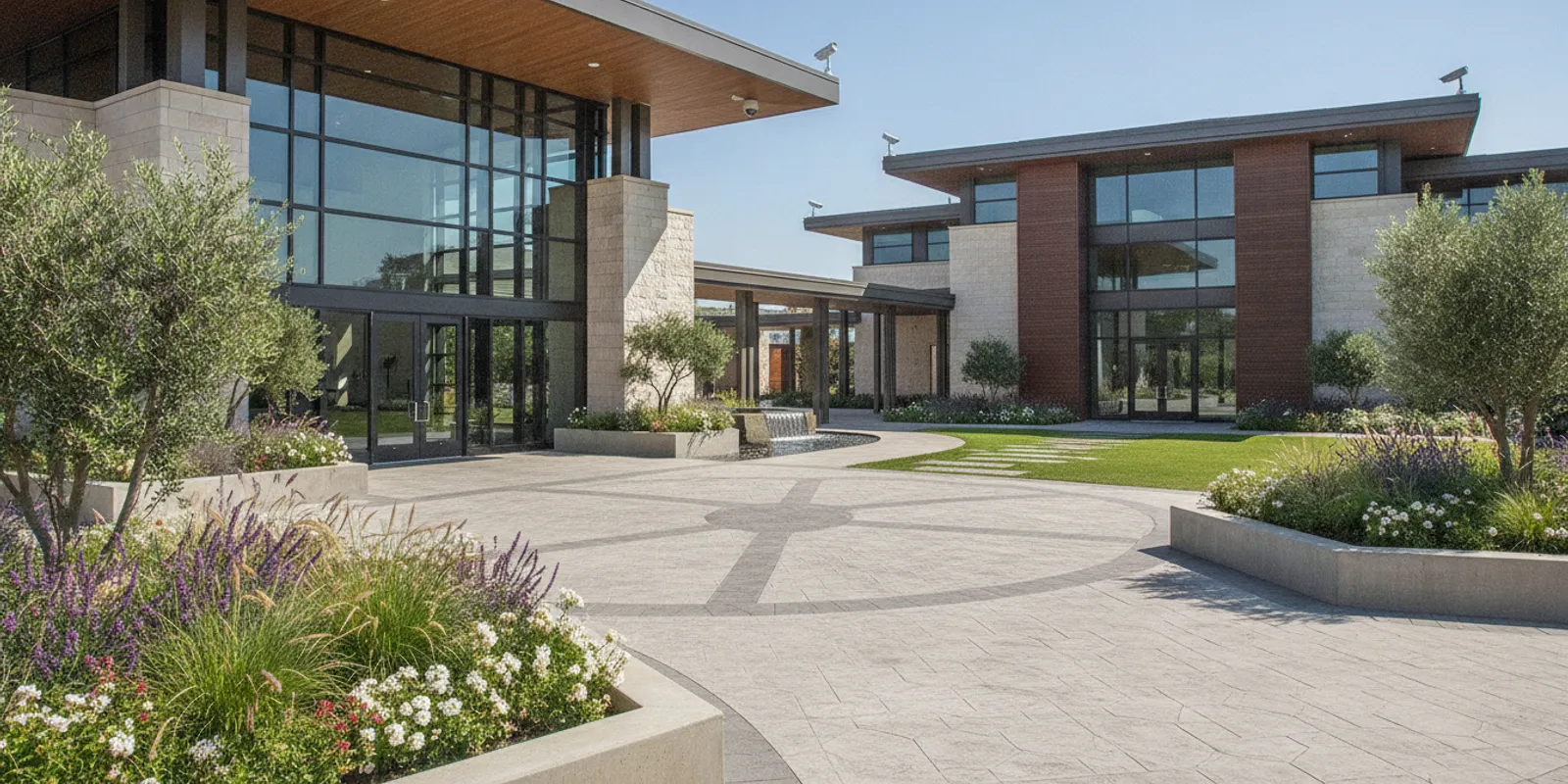
Church security camera systems work best when each view is tied to a real part of the week, not to a camera count copied from another building. A house of worship may host a large service, a quiet weekday office, an evening class, a food pantry, and a rental event in the same rooms. The useful plan starts with those routines, then decides which doors, parking paths, and shared spaces staff actually need to review.
This guide is for facility volunteers, operations staff, and technology buyers who need a site plan before they ask for equipment. It covers the walkthrough, view goals, privacy, footage access, cabling, and handoff. It does not pick camera models, set a retention period, or quote a price. Those choices depend on the building, local rules, and the scope you approve.
Request a church site assessment
Why church security camera systems need a site plan
A church campus rarely behaves like a single-shift office. The main doors may be open before and after services, then locked for most of the week. A side door used by the choir on Thursday may be unused on Sunday. Childcare, counseling rooms, offices, and kitchens each have different expectations about who enters and who should be recorded.
Start with a written purpose. Typical purposes are reviewing who used a door, understanding activity in a parking path, and confirming that a shared lobby was occupied. A purpose is not a promise that a camera will prevent an incident or identify every person. It is a reason to place, or not place, a view.
CISA's Protecting Houses of Worship resources treat a security self-assessment as a way to find vulnerabilities and options, while keeping a welcoming setting. Use that kind of checklist as a discussion prompt. It does not replace a walk of your own property.
Write down who will use the plan. That may be a facilities chair, an office manager, a volunteer safety team, and an outside technology contact. Agree on who can approve a camera location before anyone mounts hardware. FastString's houses of worship work is framed around community use, security, connectivity, and communication, not a single product.
Walk the campus across the real week
One Sunday walk is not enough. Visit during arrival, during the service, and during departure. Then visit on a weekday when the office is open, and again during an evening program. Note which doors are propped, which lots fill first, and where people wait out of the weather.
Make a simple map. Mark the main entrance, secondary doors, the drop-off lane, parking walkways, the office or reception door, shared corridors, and any detached building. For each mark, write the activity you want to review and the time of week when that activity happens. Leave blank any area where recording would conflict with the congregation's expectations.
Older Houston-area buildings often add practical limits. Finished sanctuaries, historic trim, and crowded ceilings can block a clean pathway. A camera that looks perfect on a plan may aim into a stained-glass glare at 10 a.m. or into a dark porch after a weeknight meeting. Record those conditions while you are standing there.
Also list what the camera system is not asked to do. Many congregations already have door hardware, alarms, or a phone tree for urgent events. Video is one layer. It should not be described as a substitute for those other practices.
Choose views that answer a specific question
Each proposed view should answer a question a staff member might actually ask later. Did someone approach this door? Did a vehicle stop in this lane? Was this lobby in use? A wide view can show a room and still miss the doorway. A tight view can show a face area and miss where the person went next.
Walk the proposed spots and look for glare, backlight, signs, seasonal decorations, and doors that swing into the frame. Check the same spot in daylight and after dark if the building is used then. An entrance aimed at a bright exterior can look very different at noon than at the end of an evening class.
- Entrances: Decide whether the goal is the approach, the doorway, or the space just inside.
- Parking and drop-off: Name the lane, walkway, or gate that matters. Do not claim the whole lot.
- Shared interiors: Cover circulation space only where the congregation has agreed recording is appropriate.
- Equipment rooms: Treat network closets as sensitive spaces. Access control may matter as much as a camera.
The commercial questions about how many cameras a facility needs, how long to keep footage, and how to size storage are already answered in the commercial security camera guide. Use that page when you reach those decisions. This church plan should still begin with the map and the question each view must answer.
Set privacy and footage access before installation
Agree in writing on rooms that will not be recorded. Counseling spaces, restrooms, changing areas, and similar private rooms should be on that list before a vendor visits. Also decide whether a childcare doorway view is acceptable, and who may see it. Do not assume every congregation will make the same choice.
Then decide who may view live images, who may search recordings, and who may export a clip. Name a person who adds and removes accounts when a volunteer role changes. A shared password left with "the office" is not a role. Write the request process too: who may ask for footage, who approves the export, and where that approval is noted.
Retention is a local decision. Do not copy a 30-day commercial habit unless your leadership, counsel, and insurer have agreed it fits this site. State the retention approach in the same document as the view list so operators are not guessing later.
Tell the people who run the building what the system is for. A short explanation at a staff or volunteer meeting prevents the camera plan from becoming a surprise. Posting a notice where recording occurs is a common practice, but the exact notice and any consent step should follow advice for your organization, not a generic template.
Match church security camera systems to doors and network paths
A camera that cannot be cabled, powered, and recorded is only a mark on the map. Ask where the recording or viewing equipment will sit, how each camera connects, and which pathways already exist. Sanctuaries and education wings often have different ceiling types, and a detached fellowship hall may have no spare pathway at all.
If the site uses card readers or electrified doors, plan video and access together. A door event and a camera view are more useful when someone can tell which door and which time belong together. FastString coordinates security cameras and video with access control, cabling, and network work when a project includes those pieces. The scope still has to be written for this building. Not every church project includes every system.
Questions worth asking the project team:
- Which camera locations can use existing pathways, and which need new ones?
- Where will recording and viewing equipment live, and who can enter that room?
- Will cameras share a network with office and guest use, or sit on a separate segment?
- What changes if a second building or a future addition is added later?
Network separation, Power over Ethernet, and switch sizing are covered in the business network guide. Cable categories, pathway limits, and test standards belong in the structured cabling guide. Bring those questions to the site assessment instead of guessing a product in the plan.
Compare the planning decisions
Use the table below in a committee meeting. Each row should end with a note on your map, not with a model number.
| Decision | Question to settle | What done looks like |
|---|
| Coverage purpose | What activity must someone be able to review? | A prioritized map with a purpose on each view |
| Time of use | When is that activity actually happening? | Notes from Sunday, weekday, and evening visits |
| View type | Do you need context, a doorway, or both? | Angles checked for glare and obstructions |
| Excluded rooms | Where will cameras not be installed? | A written do-not-record list |
| Footage roles | Who may view, export, and administer accounts? | Named roles and a request process |
| Pathways | Can current cabling and network gear support the view? | A list of existing paths and new work |
| Future change | Could a building or schedule change next year? | Space in the design to add or move a view |
Prepare installation, training, and handoff
Before work starts, confirm when crews may enter worship and program spaces. Identify noisy tasks, rooms that cannot be opened during a service, and any limit on drilling or new pathways. Name one staff contact who can approve a moved camera location on site. A walkthrough of the planned views gives leadership a chance to object before hardware is mounted.
FastString describes delivery as discover, engineer, deploy, commission, and manage. Read the project delivery process for that sequence. For a church, discover is the multi-day walk and the privacy rules. Engineer is the pathway and view plan. Deploy and commission are installation, aiming, and a check that each view still answers its question. Manage is whatever support scope you actually approve. Do not treat that sequence as a promise of after-hours dispatch or a fixed response time.
At handoff, the people who will operate the system should practice four tasks while the installer is still present:
- Open a live view of a named door and of a named parking path.
- Search a recording from a recent service and from a weekday hour.
- Add a user and remove a user, or watch the administrator do both.
- Report a failed camera and know who owns the next step.
Ask for a simple location list: camera name, what it views, and where its cable ends. If another company or a volunteer manages the network, write down which party handles the camera, the switch, and the account. Split ownership that is not written down becomes a delay the first time an image is missing.
Training inquiries to FastString are answered within 24 hours. That is a reply window, not a promise that a technician will arrive or that an image will be restored in that time. Initial project inquiries are answered within one business day. Put the support path you want, including any after-service contact, in the project notes.
Questions to settle before you approve a plan
Which areas are in the first phase?
Pick the doors, paths, and shared spaces that leadership can explain in one sentence each. A smaller first phase that matches the week of use is easier to operate than a camera in every hallway.
Who is not allowed to be recorded?
List private rooms and any program space the congregation wants left out. Review that list with the people who run childcare, counseling, and the office before locations are finalized.
What infrastructure work is included?
Ask which views need new cable, which closet will hold equipment, and whether the network design is in this project. If it is not, say who will do that work and when.
How will access change when volunteers change?
Name the administrator. Decide how quickly a departing volunteer loses access to live and recorded video. Practice that removal once during training.
What will operators be able to do on the first Sunday?
They should be able to open the agreed views, search a recording, and reach the right support contact. If those three tasks are unclear, the plan is not ready to approve.
FAQ
Do church security camera systems replace locks and door policies?
No. Cameras help people review what happened at an agreed view. Locks, door schedules, and the people who greet arrivals are separate decisions. Plan them together, and do not describe video as a substitute for those controls.
Where should a church avoid placing cameras?
Start with restrooms, changing areas, counseling rooms, and any space the congregation treats as private. Write that list before a site visit so a proposed view can be rejected early. A doorway to childcare needs its own decision, not a default yes.
Can one walkthrough on Sunday set the whole design?
It can start the map, but it will miss weekday office traffic and evening programs. Visit at least one other day and note lighting after dark if those hours matter. A view that works at noon can fail at the door during an evening class.
Who should be able to export church camera footage?
Name a small set of roles, not a shared office login. Decide who may ask for a clip, who approves the export, and how the request is recorded. Remove access when a volunteer leaves the role, and practice that step during training.
What should the installer leave behind?
Ask for a location list, a check that each view still answers its question, and time for operators to open live video and search a recording. Also write down who supports the camera, the network, and the user accounts if more than one party is involved.
Call FastString at 713-861-6100
A usable church camera plan is a map, a short list of questions each view must answer, and a written rule for who can see footage. Walk the building on more than one day, then ask a project team to test those views against the pathways you actually have. FastString can assess a Houston-area site and propose a scope for approval. The right design is the one your operators can explain after the installer leaves.